When most e-commerce business owners set out to
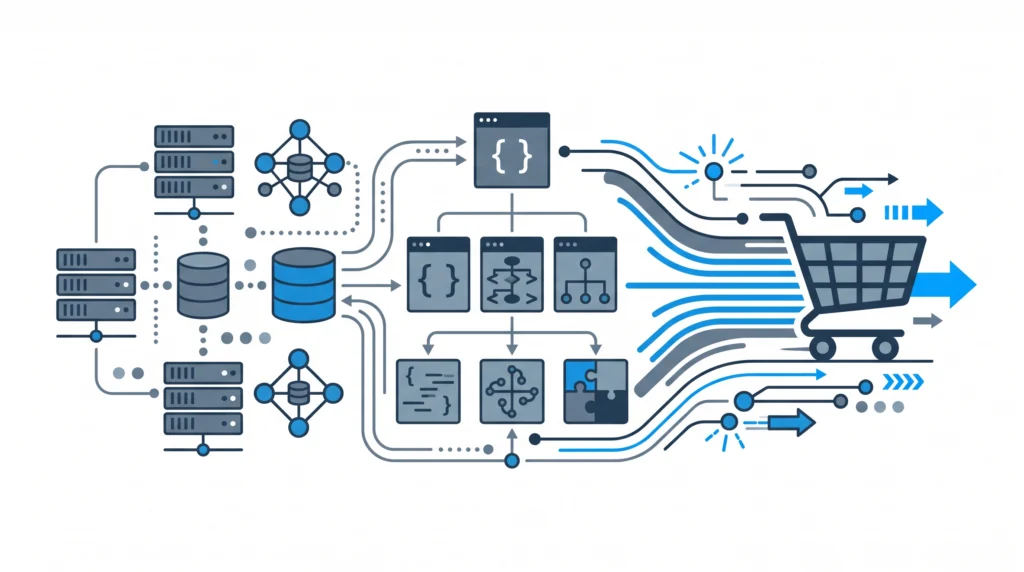
design website layouts for WooCommerce, their attention naturally gravitates toward aesthetics: visual page builders, custom color schemes, micro-animations, and hero sliders. However, at scale, visual elegance without backend engineering leads to severe performance degradation, slow database response times, and lost revenue.To build an enterprise e-commerce platform in 2027, engineers and agency owners must reframe what it means to design website infrastructure. True web design for WooCommerce starts at the database and server stack level. It encompasses clean PHP 8 execution, optimized SQL queries, headless or decoupled data pipelines, and minimal DOM trees. In this architectural guide, we will explore how to design website systems built specifically for speed, scalability, and high-concurrency checkout performance.
Beyond Visuals: The Architectural Blueprint
A poorly architected web design relies heavily on bloated visual site builders that inject hundreds of unoptimized CSS/JS files and create thousands of unnecessary DOM nodes. When high-volume traffic hits your product pages, these overheads block critical rendering paths and degrade your core metrics.If you want to achieve elite speed scores and high conversion rates, you must apply
technical web design help for WooCommerce concepts that prioritize architectural engineering over visual bloat. Modern store design focuses on three fundamental pillars:
- Minimalist Frontend Payload: Eliminating unnecessary CSS/JS frameworks and utilizing native web components or lean layout structures.
- Optimized PHP 8 Backend Execution: Leveraging strongly typed PHP 8.2+ constructs, JIT (Just-In-Time) compilation, and efficient memory utilization.
- Database Query Efficiency: Reducing wp_postmeta overhead, utilizing High-Performance Order Storage (HPOS), and transient caching layer design.
When preparing your stack, ensuring strict
PHP 8.x compatibility across custom plugins and themes is vital to maximizing server throughput under
high-concurrency WooCommerce traffic.
Replacing Heavy Layout Plugins with Native PHP 8 Architecture
A major flaw in traditional e-commerce web design is relying on third-party plugins for every small feature—such as dynamic pricing tables, custom cart badges, or product recommendations. Every plugin added introduces additional hook listeners, database queries, and scripts.Instead of stacking third-party utilities, smart engineers choose to
replace heavy plugins with clean PHP. Below is an example of an architecturally sound PHP 8 class that dynamically builds a fast, memory-efficient cached REST response for product data, bypassing heavy WooCommerce template loading cycles during AJAX calls.
<?php
declare(strict_types=1);

namespace CodeCarePerformance;

if (!defined('ABSPATH')) {
    exit; // Exit if accessed directly
}

final class CachedProductRenderer
{
    private const CACHE_GROUP = 'codecare_product_data';
    private const CACHE_TTL   = 3600; // 1 hour

    public function __construct()
    {
        add_action('rest_api_init', [$this, 'register_fast_endpoint']);
    }

    public function register_fast_endpoint(): void
    {
        register_rest_route('codecare/v1', '/fast-product/(?P<id>d+)', [
            'methods'             => 'GET',
            'callback'            => [$this, 'get_product_payload'],
            'permission_callback' => '__return_true',
        ]);
    }

    public function get_product_payload(WP_REST_Request $request): WP_REST_Response
    {
        $product_id = (int) $request->get_param('id');
        $cache_key  = "fast_prod_{$product_id}";

        $data = wp_cache_get($cache_key, self::CACHE_GROUP);

        if (false === $data) {
            $product = wc_get_product($product_id);

            if (!$product) {
                return new WP_REST_Response(['error' => 'Product not found'], 404);
            }

            // Build minimal data payload for high-speed front-end design
            $data = [
                'id'             => $product->get_id(),
                'title'          => $product->get_name(),
                'price_html'     => $product->get_price_html(),
                'stock_status'   => $product->get_stock_status(),
                'add_to_cart_url'=> $product->add_to_cart_url(),
            ];

            wp_cache_set($cache_key, $data, self::CACHE_GROUP, self::CACHE_TTL);
        }

        return new WP_REST_Response($data, 200);
    }
}

new CachedProductRenderer();
By decoupling front-end dynamic UI components from the monolithic template load and using Object Caching (Redis/Memcached), you ensure that when users interact with your custom web design, responses are returned in milliseconds rather than seconds.
Optimizing the Database Layer in E-Commerce Web Design
You cannot effectively design website architectures without addressing database scalability. Transient bloat, unindexed meta keys, and orphaned session tables can cripple even the best visual designs.To maintain peak performance, enterprise WooCommerce sites must run structured database maintenance and architectural audits. Regularly
cleaning up WooCommerce database bloat prevents high database CPU utilization during sales events. Furthermore, stores that handle complex integrations—such as
syncing 10,000+ products via REST or custom XML pipelines—must ensure sync processes run asynchronously without blocking frontend web design rendering engines.Fixing database bottlenecks directly impacts your overall backend rendering speed, helping your site pass Google’s metrics easily. If your layout suffers from layout shifts or slow response times, analyzing
why your WooCommerce store fails Core Web Vitals will pinpoint whether server response (TTFB) or unoptimized frontend assets are the primary bottleneck.
Safe Engineering: Staging Audits and Continuous Delivery
When you redesign or optimize a live WooCommerce application, pushing unvetted PHP code or structural changes straight to production introduces major business risk. Database schema changes, custom hook deployments, or PHP refactoring must always be vetted in staging environments under simulated load.Understanding
why automated WordPress backups aren’t enough is critical for store reliability. Enterprise teams run continuous integration (CI) workflows, performance testing scripts, and staging audits prior to deploying visual or architectural updates to live stores.
Partner with Enterprise WooCommerce Engineers
Designing a high-converting website requires an elite combination of backend PHP refactoring, database indexing, custom API design, and server-side optimization. When your business scales beyond off-the-shelf themes, standard site builders are no longer sufficient.At CodeCare WP, we specialize in high-performance WooCommerce architecture, custom plugin refactoring, and headless integration engineering. Explore our
case studies to see how we help growing stores scale under heavy concurrency, or review our transparent
pricing plans to get dedicated engineering support for your platform today.