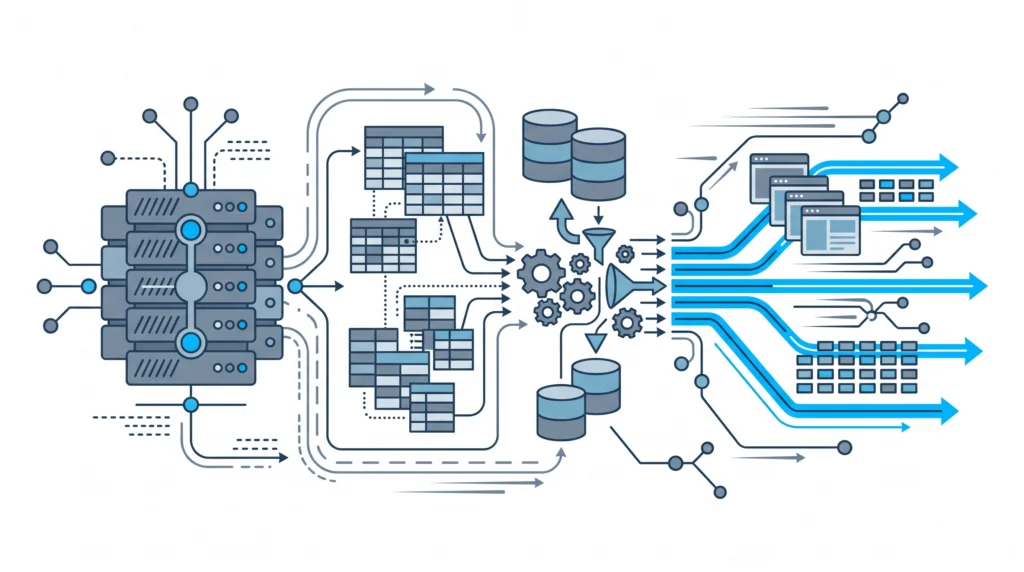
When an enterprise enterprise E-commerce business hits a scaling milestone, the underlying architecture of your website is put to the ultimate test. What functioned reliably at 50 transactions a day frequently breaks down when subjected to 500 concurrent checkout requests, real-time inventory updates, or high-frequency API synchronizations. Most store owners attempt to patch these infrastructure bottlenecks by adding caching layers or upgraded server specs. However, hardware alone cannot fix flawed code architecture.To build a resilient store capable of executing sustained peak throughput in 2027, backend engineers must address the core application layers: custom PHP 8 refactoring, database query execution plans, object caching strategies, and offloaded async processes. In this guide, we break down the engineering paradigms required to turn a fragile WooCommerce installation into a high-performance, enterprise-grade web application.
1. Re-Engineering the Database: Eliminating the wp_options and Transient Bottleneck
By default, WordPress stores configuration state, session dynamic data, and transient caches inside the single
wp_options table. For a high-traffic WooCommerce store, this design choice leads to severe MySQL lockups. Every single page load executes queries filtering for
autoload = 'yes', forcing MySQL to transfer megabytes of unindexed blob data into RAM on every request.To mitigate this architectural failure, high-concurrency websites must enforce strict database hygiene:
- Implement High Performance Order Storage (HPOS): Ensure order data is migrated completely out of
wp_posts and wp_postmeta into dedicated transactional order tables (wp_wc_orders). This decouples transactional writes from post-content queries. - Offload Transients to Redis or Memcached: Persistent object caching must be enabled at the server layer. When configured correctly, WordPress transient functions bypass MySQL entirely and stream directly from high-speed memory.
- Perform Aggressive Autoload Audits: Keep your total autoloaded payload under 800 KB. Run targeted WooCommerce database bloat cleanup scripts to purge orphaned plugin options and expired transients.
Without these fundamental adjustments, your site will suffer from cumulative database degradation during traffic spikes, regardless of how powerful your hosting infrastructure is.
2. Modern PHP 8.x Refactoring: Monolith to Decoupled Architecture
Running legacy, loosely typed PHP 7 code on modern infrastructure wastes critical CPU cycles. Modern PHP 8.2 and 8.3 bring JIT (Just-In-Time) compilation, strict typing, and property promotion that drastically cut request execution latency. However, full performance gains are only realized when legacy plugin bloat is replaced by custom, highly typed micro-services or drop-in PHP code.Instead of stacking dozens of single-purpose plugins—each introducing hook bloat and overhead—engineers should
replace heavy plugins with clean PHP modules that interface directly with core APIs. Before deploying modern code bases, verifying
PHP 8.x compatibility across custom hooks is mandatory.
Example: Fast Native Object Caching Payload in PHP 8
The code snippet below demonstrates an architectural pattern for fetching product metadata using strict typing, custom persistent caching keys, and strict error handling to keep runtime memory footprints ultra-low:
<?php
declare(strict_types=1);

namespace CodeCarePerformance;

use WC_Product;

final class ProductPayloadManager
{
    private const CACHE_GROUP = 'codecare_product_payloads';
    private const TTL_SECONDS = 3600;

    /**
     * Fetch optimized product state bypassing heavy frontend object construction.
     */
    public function getOptimizedPayload(int $productId): array
    {
        $cacheKey = sprintf('prod_meta_%d', $productId);
        $cachedData = wp_cache_get($cacheKey, self::CACHE_GROUP);

        if (false !== $cachedData && is_array($cachedData)) {
            return $cachedData;
        }

        $product = wc_get_product($productId);
        if (!$product instanceof WC_Product) {
            return [];
        }

        $payload = [
            'id'           => $product->get_id(),
            'sku'          => $product->get_sku(),
            'price'        => (float) $product->get_price(),
            'stock_status' => $product->get_stock_status(),
            'is_in_stock'  => $product->is_in_stock(),
            'last_updated' => $product->get_date_modified()?->getTimestamp(),
        ];

        wp_cache_set($cacheKey, $payload, self::CACHE_GROUP, self::TTL_SECONDS);

        return $payload;
    }
}
3. Offloading ERP and Supplier Synchronization to Async Pipelines
Executing large file imports directly within standard PHP HTTP requests is the leading cause of server timeouts and memory exhaustion. Traditional CSV parsing routines freeze web processes, locking database rows and rendering your site unresponsive for customer purchases.Enterprise WooCommerce platforms rely on event-driven background processing to manage data feeds. Using dedicated background workers or external REST endpoints prevents supplier synchronization from interrupting active user sessions:
4. Frontend Architecture and Core Web Vitals Optimization
Server-side speed is only half the battle. If your frontend bundle is weighed down by competing script executions, dynamic inline styles, and unoptimized DOM trees, user bounce rates will soar and search visibility will fall off. Resolving frontend execution lag requires a full
Core Web Vitals architecture fix.This includes deferring non-critical JavaScript, enforcing dynamic asset loading on cart and checkout pages, and relying on dedicated staging servers to test every architectural change. Remember that simple
staging audits are essential for verifying bundle size optimizations before merging to production environments.
Transform Your WooCommerce Architecture with CodeCare WP
Managing high-volume WooCommerce infrastructure requires deep backend expertise, clean PHP 8 engineering, and continuous database performance tuning. If your website is hitting performance bottlenecks, experiencing database slowdowns, or failing during high-traffic sales events, it is time to upgrade your store’s underlying codebase.At CodeCare WP, we deliver specialized backend engineering services tailored for scaling stores:
Ready to build a faster, more resilient store? Review our transparent
pricing options or contact the backend architects at CodeCare WP today for a technical audit of your website.