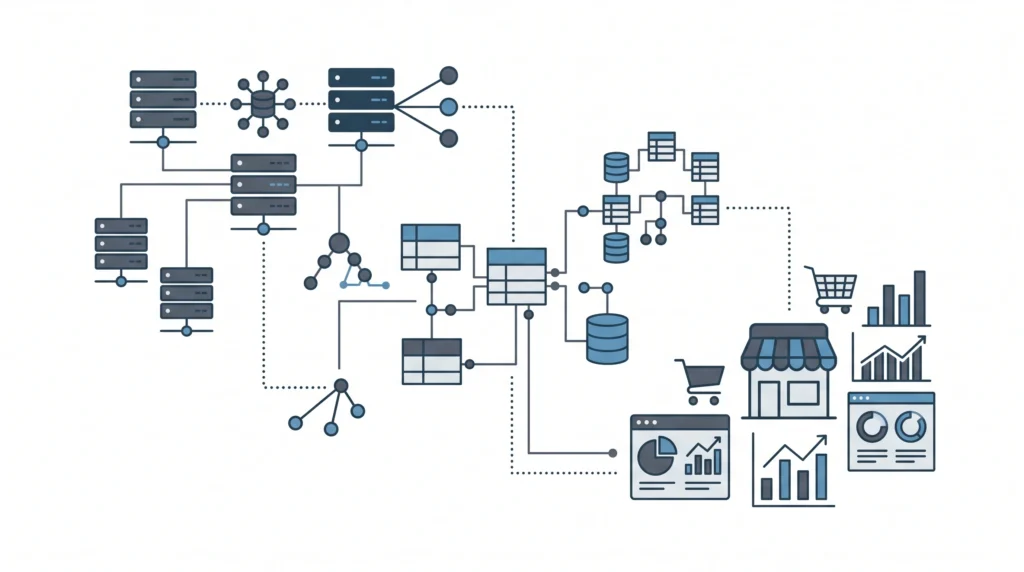
When an e-commerce enterprise scales, standard off-the-shelf setups quickly reveal their limits. High transaction volumes, massive product catalogs, and real-time inventory updates place tremendous strain on the core application layer. To maintain sub-second server response times and zero-friction checkouts in 2027, high-growth engineering teams must rethink how they manage
WordPress WooCommerce architecture.The standard pattern of installing third-party plugins for every small feature leads to unindexed database queries, massive autoloaded options, and severe CPU bottlenecks. True enterprise performance requires shifting from plugin stacking to custom backend optimization, high-throughput data processing, and modern PHP paradigms.
Replacing Heavy Plugin Overload with Clean PHP
The average WooCommerce store runs between 40 and 80 active plugins. Each plugin hooks into critical WordPress actions like
wp_loaded,
init, or
template_redirect, running unnecessary code on every single request—including checkout AJAX endpoints. To protect application performance, engineering teams should learn to
stop using 50 plugins and replace heavy plugins with clean PHP.Modern PHP 8 introduces strong typing, JIT compilation, and improved memory handling. Upgrading the underlying runtime and ensuring code strictness yields massive performance gains. Before executing heavy refactoring, verify your environment’s readiness by analyzing
PHP 8.x compatibility for WooCommerce.
Optimized Fast Stock Lookup Implementation
Instantiating a full
WC_Product object via standard factory methods triggers multiple database queries and meta lookups. When running high-concurrency API integrations or background syncs, bypass full object hydration by querying indexed tables directly through lightweight, strictly typed PHP code:
<?php
declare(strict_types=1);

namespace CodeCarePerformance;

use wpdb;

/**
 * Lightweight direct stock validator bypassing heavy WC_Product hydration.
 */
final class ProductStockQuery
{
    private wpdb $db;

    public function __construct(wpdb $db)
    {
        $this->db = $db;
    }

    /**
     * Retrieve precise stock quantity without triggering WooCommerce hooks.
     */
    public function getStockQuantity(int $productId): int
    {
        $query = $this->db->prepare(
            "SELECT meta_value FROM {$this->db->postmeta} WHERE post_id = %d AND meta_key = '_stock' LIMIT 1",
            $productId
        );

        $result = $this->db->get_var($query);

        return $result !== null ? (int) $result : 0;
    }
}
By bypassing heavy core hooks during high-frequency backend operations, execution time drops dramatically from dozens of milliseconds to fractions of a millisecond per item.
Eliminating Database Bottlenecks and Managing Large Feeds
As orders and product lines expand, the single largest failure point in
WordPress WooCommerce is database contention. Transients, orphan postmeta, and unindexed custom fields inflate the
wp_options and
wp_postmeta tables. If your store suffers from sluggish database performance, follow systematic steps for
cleaning up WooCommerce database bloat to reclaim indexed query efficiency.Unoptimized queries directly affect frontend loading and metrics like Largest Contentful Paint (LCP) and Interaction to Next Paint (INP). Addressing these backend bottlenecks is critical when resolving
why your WooCommerce store fails Core Web Vitals.
Scalable API Synchronization Strategies
Legacy product importers that process monolithic files synchronously are prone to timeouts and table locking under load. When processing large catalog updates, implement asynchronous, batched REST API or custom XML pipelines:
Integrating Asynchronous AI Workflows Without Sacrificing Speed
Integrating machine learning for dynamic copywriting or intelligent categorization offers store owners a distinct advantage. However, executing synchronous external API requests during standard page generation degrades site responsiveness.To safely automate store management tasks, see our guide on
how to automate WooCommerce product descriptions with the OpenAI API. Always execute these AI services out-of-band via background cron jobs or decoupled microservices. Installing client-side AI plugins that hook into standard frontend actions risks crippling server resources; discover
why AI WooCommerce plugins kill site speed and the headless fix that isolates heavy language processing from checkout pathways.
Architecting a Future-Proof WooCommerce Store
Maintaining a competitive high-volume WooCommerce application requires structured software engineering: writing targeted custom PHP, adopting strict database indexing, utilizing decoupled background processors, and auditing server architecture continuously.Whether you are scaling up for flash sales or maintaining a complex multi-region catalog, optimizing core application efficiency ensures high conversion rates and long-term stability. Take a look at real-world technical transformations in our
Case Studies, or explore scalable maintenance tiers on our
Pricing page.Need elite engineering support to refactor custom integrations, resolve database locking, or optimize custom code? Partner with the backend experts at
CodeCare WP to secure sub-second response times and bulletproof technical reliability for your enterprise store.